Free Books - With Anna's Archive
Anna’s Archive is a site that allows you to search for electronic copies of any book. I’ve used it to get free textbooks, as well as free general fiction and fun books. Due to the legally dubious nature of this, the site occasionally gets taken down. So, below are three URLs that currently work, although they may change in the future.
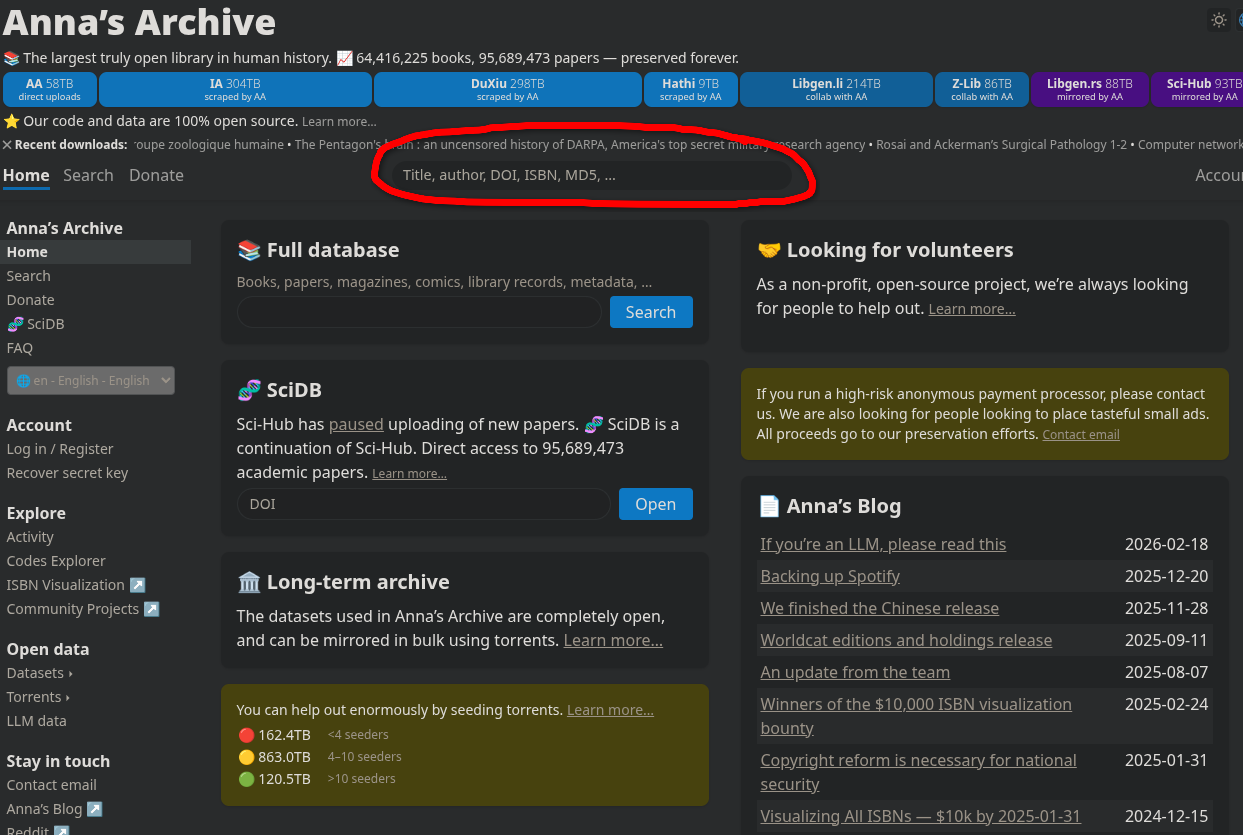
Once on Anna’s Archive you’re going to want to search for the book or author you are trying to find. The search box is circled on the image of the homepage below.
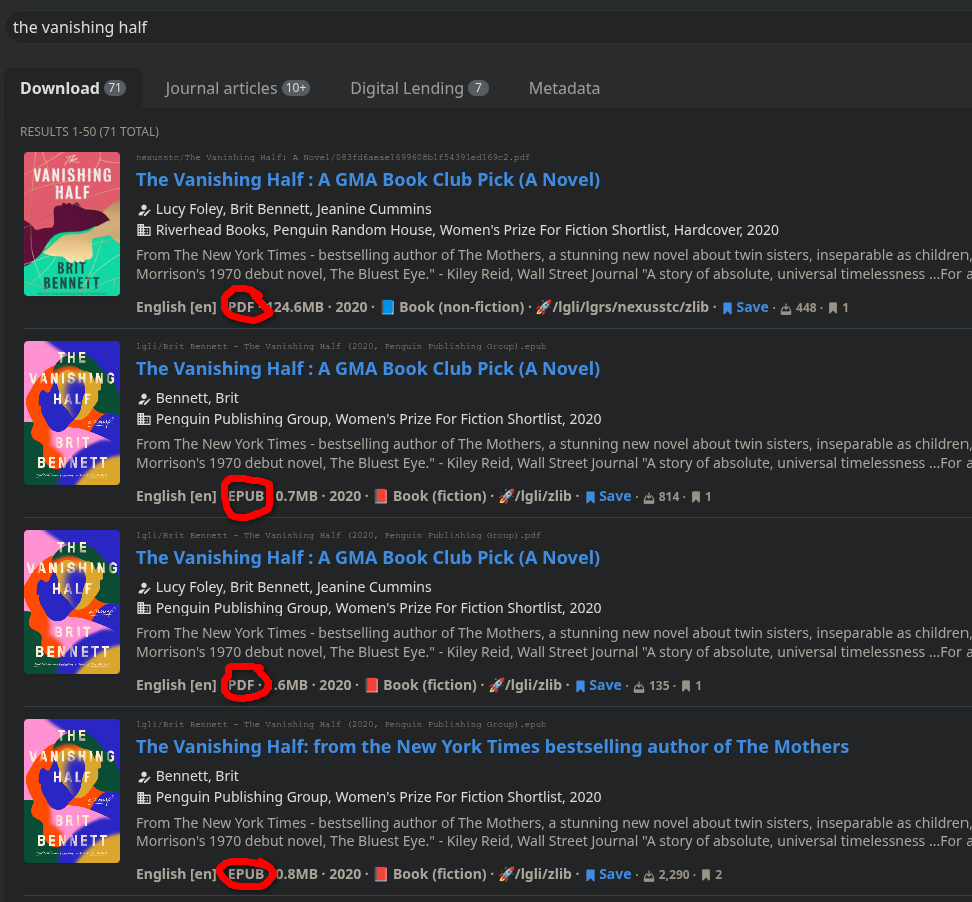
From there, you’re going to want to look for the file type you want. If you are reading on a Kindle, you will likely want to do an EPUB. You can see the file types circled on the images below. If you are looking for a text book or something else where page numbers are imperitive, you’ll likely want to choose a PDF. Same goes if you plan on printing the book.
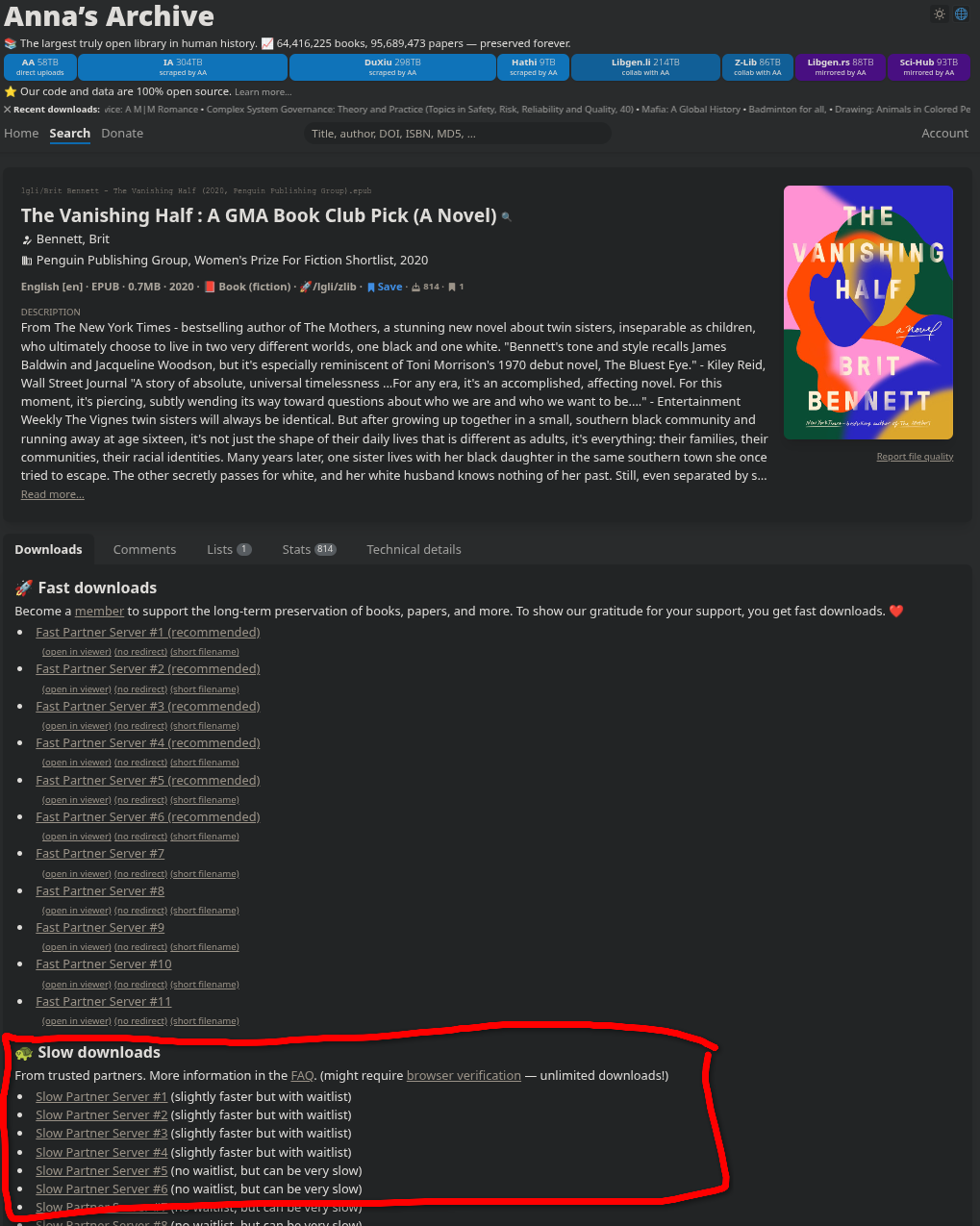
Once you click the book you want, you’re going to want to scroll down on the page until you see “Slow Downloads”. Click the first link. If, for some reason, it doesn’t work, try the next link.
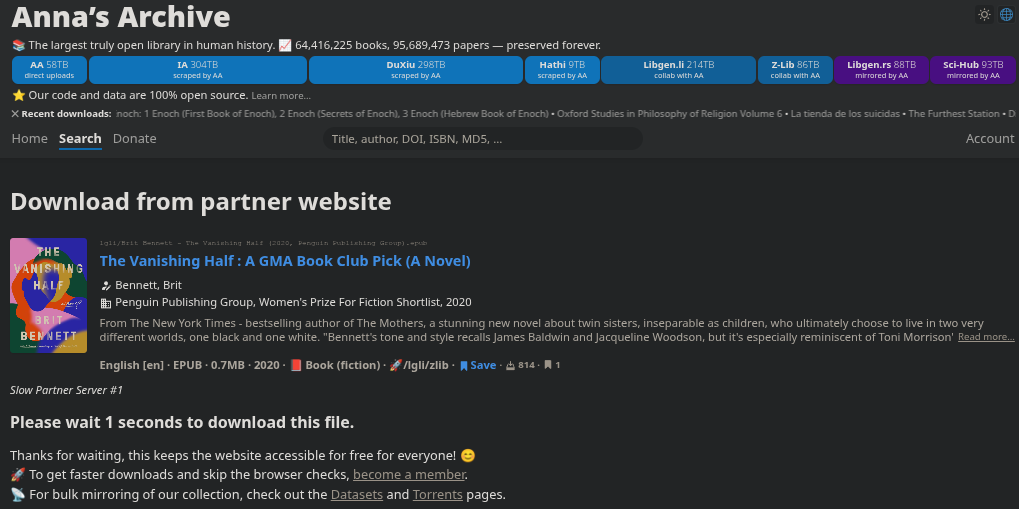
There may be a waitlist. Just wait until the timer ends (I’ve seen up to 5 minutes, but usually it is only a few seconds). Where the timer was will turn into a download button.
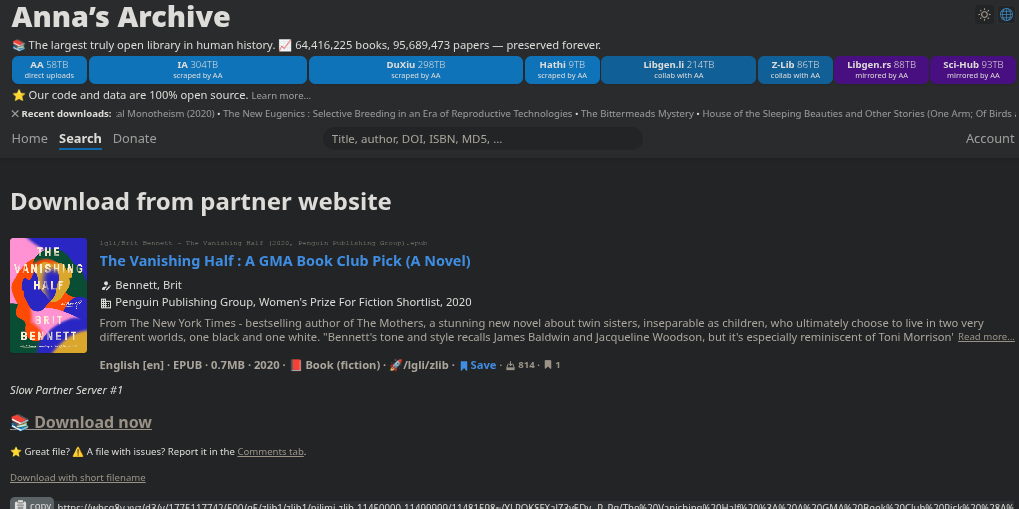
You should now have a digital copy of your book!
If you happen to be on Kindle, you can actually send it to your Kindle over email with the “Send-to-Kindle” feature. To find your “Send-to-Kindle” email, open Kindle Settings > Your Account > Send-to-Kindle Email. Then just email the .epub file to that email and it should appear on your Kindle soon, as long as it has an internet connection.
If you aren’t on Kindle, you can print the book or find some other way to load it on a device. Just look up how to read an EPUB document on the device of your choice.